Creating a cozy and functional home office space is essential for anyone who spends significant time working from home. A well-designed office not only enhances productivity but also makes your workday more enjoyable and less stressful. Whether you have a dedicated room or just a small corner in your living space, these tips can help you transform it into a comfortable and efficient workspace.
Choose the Right Location
When selecting a space for your home office, consider factors such as natural light, privacy, and noise levels.
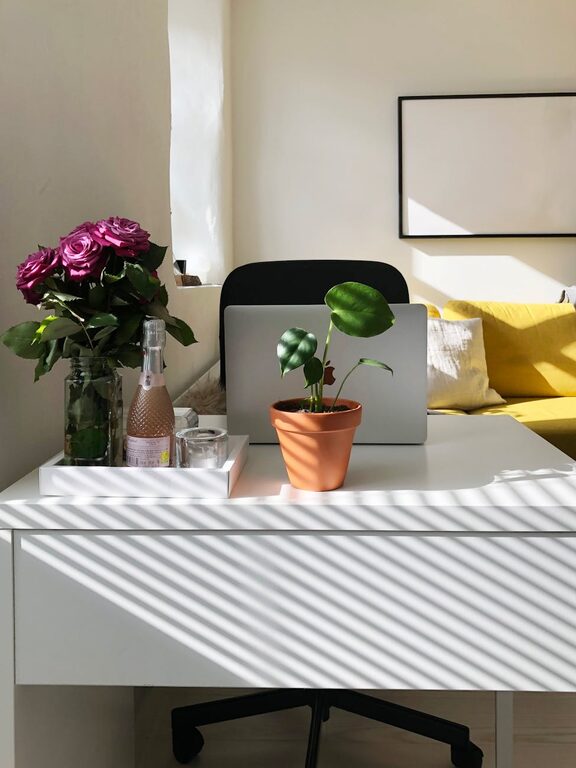
– Natural Light: Try to position your desk near a window to benefit from sunlight, which can improve mood and reduce eye strain.
– Privacy: Choose a quiet area away from heavy traffic or family activity to minimize distractions.
– Space: Ensure there’s enough room for your desk, chair, and any equipment or storage you need.
Invest in Comfortable and Ergonomic Furniture
Comfort is key in a home office, especially if you spend hours at your desk.
– Ergonomic Chair: Select a chair that supports your lower back and allows you to sit with feet flat on the floor.
– Desk Height: Choose a desk that fits your height and allows your elbows to rest comfortably at about a 90-degree angle.
– Adjustable Options: Consider sit-stand desks or adjustable chairs to change positions throughout the day.
Organize and Declutter
A cluttered workspace can be distracting and reduce efficiency.
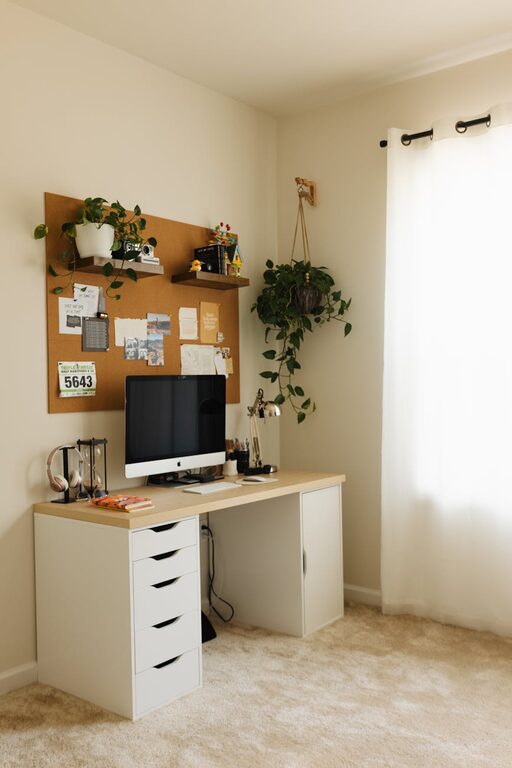
– Storage Solutions: Use shelves, drawers, and filing cabinets to keep documents and supplies tidy.
– Cable Management: Keep wires organized with clips or cable boxes to avoid a tangled mess.
– Daily Cleanup: Make it a habit to clear your desk at the end of each day.
Personalize Your Space
Adding personal touches makes your office inviting and keeps you motivated.
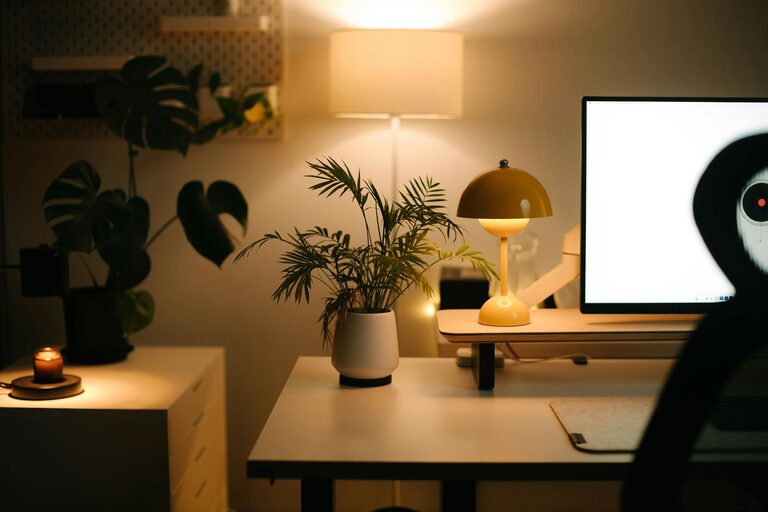
– Decor: Incorporate artwork, plants, or photos to make the space feel welcoming.
– Colors: Choose calming colors like soft blues or greens to create a peaceful atmosphere.
– Lighting: Along with natural light, add warm desk lamps or floor lamps to create a cozy ambiance.
Optimize Technology and Equipment
Having the right tools helps maintain a smooth workflow.
– Reliable Internet: Ensure your Wi-Fi connection is strong and stable.
– Essential Devices: Use a good monitor, keyboard, and mouse to enhance comfort and productivity.
– Backup: Keep a charger and external storage handy in case of emergencies.
Create Defined Work Zones
Separating your workspace from rest areas helps maintain work-life balance.
– Dedicated Desk Area: Keep work materials within reach but avoid spreading into non-work zones.
– Visual Boundaries: Use rugs or room dividers to define the office space in a shared room.
– Routine: Start and end your day at your desk to reinforce work habits.
Manage Noise and Distractions
Minimizing noises and interruptions can improve focus.
– Headphones: Use noise-cancelling headphones if you need to block out background sounds.
– White Noise: Consider a white noise machine or fan to mask distracting noises.
– Set Boundaries: Communicate your work hours to family or housemates to limit interruptions.
Maintain Good Air Quality
A fresh environment supports concentration and well-being.
– Ventilation: Open windows when possible to circulate fresh air.
– Plants: Indoor plants help clean the air and add a touch of nature.
– Air Purifier: If needed, use an air purifier to reduce dust and allergens.
Keep a Healthy Balance
Remember to take care of yourself throughout the workday.
– Breaks: Take short breaks to stretch, move around, or relax your eyes.
– Hydration: Keep a water bottle nearby to stay hydrated.
– Exercise: Incorporate simple at-desk exercises or stretches to reduce tension.
—
By following these tips, you can create a home office space that not only looks cozy but also supports your work needs efficiently. A well-planned workspace can help you stay focused, reduce stress, and enjoy your time working from home. Happy decorating!